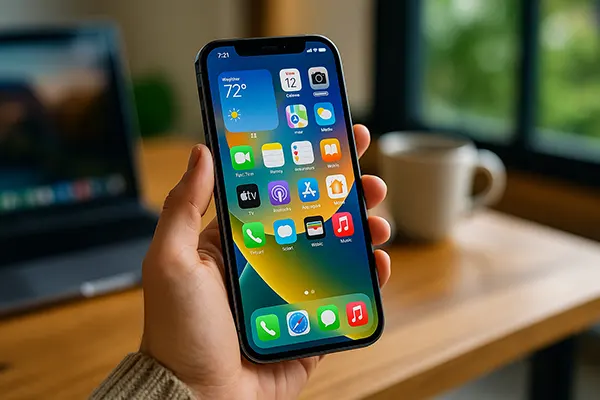
How an iPhone Performs After 2–3 Years of Daily Use: Speed, Battery and Stability
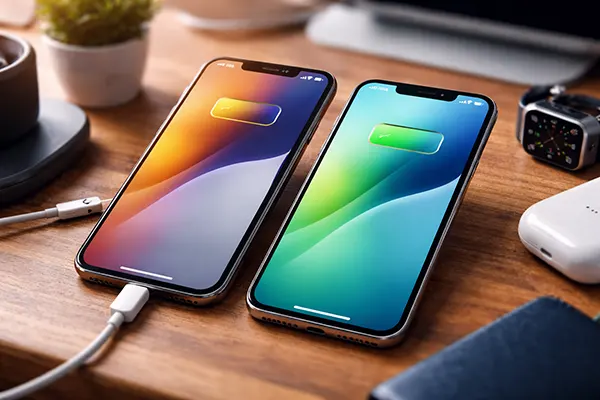
After two or three years of everyday use, an iPhone often feels very different from the device it was on the first day. Even with careful handling, constant charging cycles, system updates and daily workloads gradually change how the phone behaves. This article looks at real, practical changes users notice over time, focusing on battery life, performance, system stability and habits that influence long-term reliability.
Battery behaviour after several years without replacement
Battery ageing is usually the first noticeable change. After around 500 full charge cycles, which many users reach within two to three years, the battery’s maximum capacity often drops to 80–85%. This does not mean the phone becomes unusable, but daily autonomy is clearly reduced. Tasks such as navigation, video calls or mobile photography start draining power faster than before.
Another common change is less predictable battery percentage reporting. The phone may hold 20% for a long time and then drop quickly, especially in cold weather. This behaviour is linked to chemical ageing inside the lithium-ion battery rather than a software fault. Even with careful charging habits, this degradation is unavoidable.
In real-life use, many owners begin charging their iPhone once during the day instead of relying on a single overnight charge. For users who travel often or rely heavily on mobile data, this shift becomes part of the daily routine by the third year of use.
Charging habits that slow battery wear
Using Optimised Battery Charging makes a measurable difference over time. This feature delays charging beyond 80% until the phone predicts it will be needed, reducing long-term stress on the battery. On devices used on a regular schedule, the effect becomes noticeable after the second year.
Avoiding constant fast charging also helps. While fast chargers are convenient, daily use increases heat exposure, which accelerates battery ageing. Alternating between standard and fast charging reduces thermal stress without affecting usability.
Keeping the battery between roughly 20% and 80% whenever possible remains one of the most effective habits. While not always practical, this range minimises chemical strain and helps preserve usable capacity over a longer period.
Performance changes and the impact of iOS updates
Modern iPhones remain usable for several years thanks to powerful processors, but subtle slowdowns do appear. App launch times increase slightly, background tasks take longer, and heavier applications feel less responsive than on newer models. These changes are gradual and often go unnoticed until compared directly with a newer device.
iOS updates play a dual role. On one hand, they bring security patches and stability improvements that are essential for safe daily use. On the other, new features increase system load, which can affect older hardware. Apple actively balances this by tuning performance management for ageing batteries.
In some cases, users notice reduced peak performance after major updates. This is usually linked to battery health rather than deliberate slowing. When the system detects an ageing battery, it limits sudden power spikes to prevent unexpected shutdowns.
When performance management becomes noticeable
Performance management typically activates once battery capacity drops below a certain threshold. Users may notice lower frame rates in games or slower processing during intensive tasks such as video editing. For everyday activities like messaging or browsing, the impact is minimal.
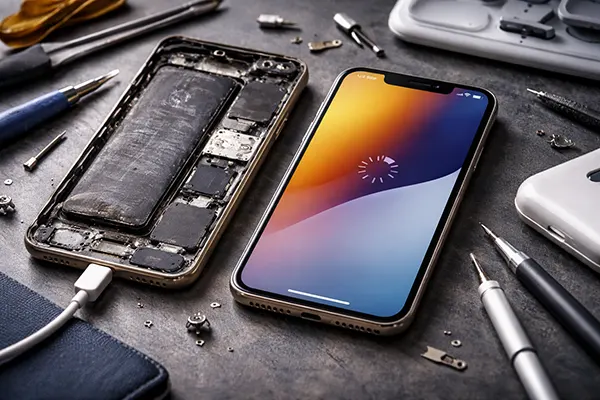
Replacing the battery often restores original performance levels almost immediately. This confirms that most slowdowns are related to power delivery rather than processor ageing. Many users report their phone feeling “new again” after a battery swap.
Keeping at least 10–15% of storage free also improves responsiveness. iOS relies on free space for caching and background processes, and near-full storage can amplify performance issues on older devices.
System stability and long-term reliability
After several years, system stability usually remains strong, but small issues become more frequent. Occasional app crashes, delayed notifications or rare system freezes are typical signs of long-term use rather than serious faults.
Most stability problems are linked to outdated apps or accumulated background processes. Users who regularly update applications and restart their device occasionally experience fewer disruptions. A full system reset, while rarely needed, can resolve persistent issues.
Hardware reliability remains one of the iPhone’s strengths. Buttons, speakers and cameras generally hold up well, although battery and display components show the most wear over time.
User mistakes that accelerate wear and instability
Constant exposure to heat is one of the most damaging habits. Leaving an iPhone in a car during summer or using heavy apps while charging increases internal temperatures and speeds up component ageing.
Ignoring system updates can also reduce stability. While updates may slightly affect performance, skipping security and optimisation patches often leads to compatibility issues and increased app crashes.
Using uncertified charging accessories introduces inconsistent power delivery, which stresses both the battery and internal circuits. Over time, this can contribute to charging issues and reduced battery lifespan.